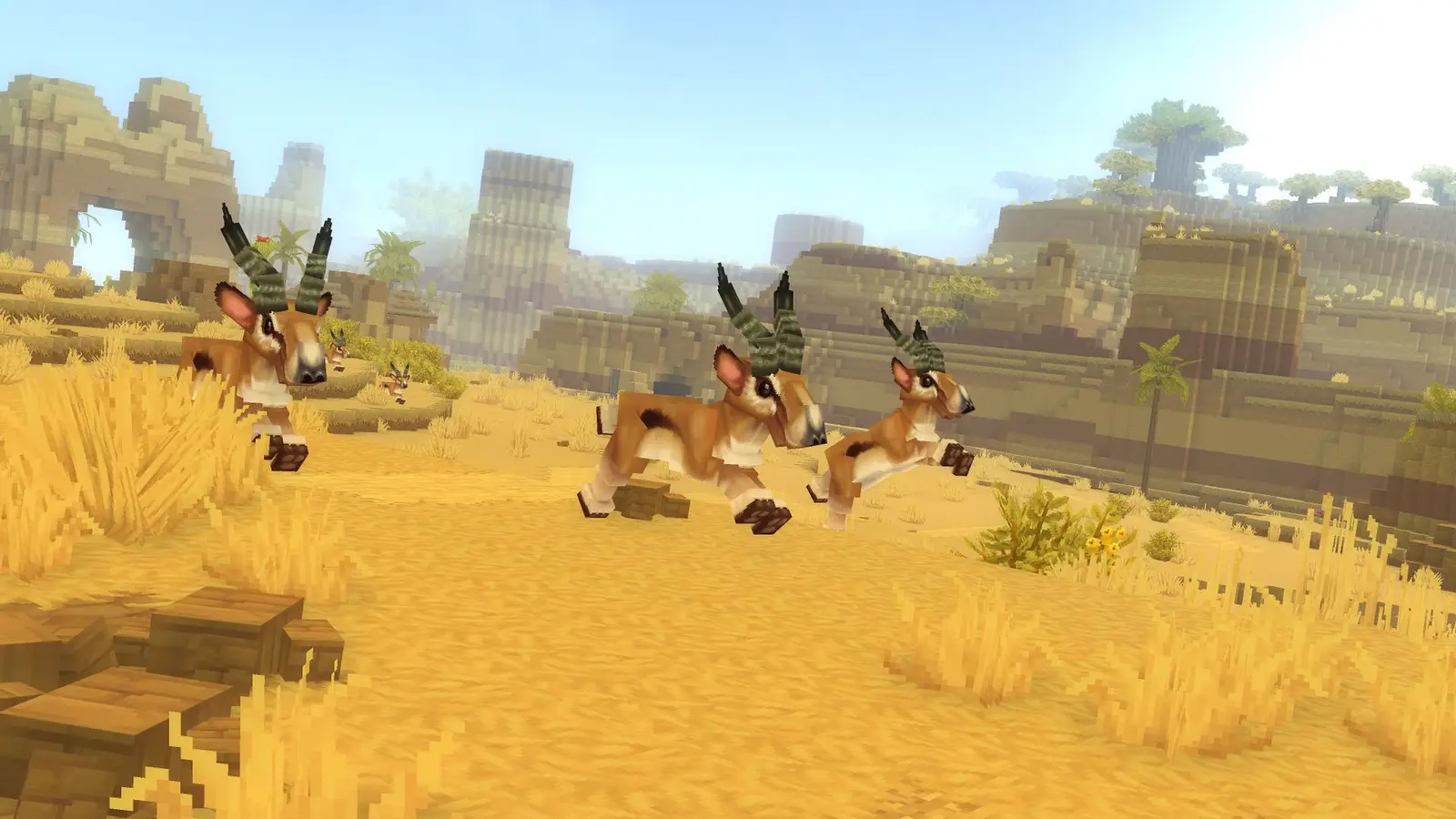
Memories
Hytale Memory Tracker: All Memories, Locations & Rewards
Memories are Hytale's bestiary: you collect one by encountering a creature, then record it at the Heart of Orbis in the Forgotten Temple to unlock rewards. This tracker lists every creature on the Hytale Wiki's Memories page (October 6, 2026 version): the 227 memories you can collect since Update 7, plus the creatures that cannot give one yet.
- Tick off each memory you have collected; your progress is saved in this browser.
- Filter by the 18 in-game categories or by zone.
- See where each creature lives, as listed on the Hytale Wiki.
- Check the rewards for 10, 25, 50, 100 and 200 memories.
Data note: Creature list from the Hytale Wiki's Memories page (October 9, 2026 version), updated for Update 7: the Goblin Feastmaster and the Revenant Guardian now give a memory once you defeat them, for 227 in total. Creatures that cannot give a memory yet are shown but not counted. Your progress is saved only in this browser.
Checklist Progress
0%Milestones
Abyssal
Avian
Critter
Elemental
Feran
Freshwater
Goblin
Kweebec
Livestock
Mythic
Outlander
Predator
Reptile
Scarak
Trork
Undead
Voidspawn
Voidtaken
How Memories Work
Memories unlock after you interact with the Heart of Orbis, the statue at the center of the Forgotten Temple. Since Update 1, the first visit opens a panel that explains the system. After that, each creature you encounter adds its memory to a separate tab of your inventory.
You can carry up to 48 new memories at a time. Interacting with the Heart of Orbis records them: the tab empties and they are added to your total. Since Update 5 the inventory shows how many collected memories still need recording, and since an Update 6 hotfix they are no longer lost when you quit the game.
Hypixel Studios says Memories rewards are permanent and shared with everyone in your world. Update 7 (October 12, 2026) added one change with Chapter 1: for some creatures, only winning a fight against them unlocks the memory.
Memory Rewards
Each milestone unlocks new crafting recipes, according to the Hytale Wiki:
- 10 memories: 3 decorative chests at the Furniture Workbench and 2 Eternal Seeds at the Farmer's Workbench.
- 25 memories: 3 more decorative chests, 4 Eternal Seeds and room for 1 more Teleporter.
- 50 memories: Morph Potions at the Alchemist's Workbench, 3 decorative chests, 4 Eternal Seeds and room for 1 more Teleporter.
- 100 memories: the Ancient Gateway and Portal Fragments at the Arcanist's Workbench, Backpack Upgrade II at the Workbench, 3 decorative chests, 2 Eternal Seeds and room for 2 more Teleporters. See Portals & Fragment Keys for the gateway, and the Backpack Guide for why Backpack Upgrade II cannot be finished in Exploration Mode yet.
- 200 memories: the Harvest Trophy at the Farmer's Workbench, 2 decorative chests, 2 Eternal Seeds and room for 2 more Teleporters.
Where to Find Memories
- In the Forgotten Temple: the Hytale Wiki lists 10 creatures there, including the Bluebird, Duck, Frog, Bunny, Doe, Stag and four Kweebecs, so your first visit already gets you started.
- At the temple gateways: each zone's Crystal Golem gives a memory: the Earthen Golem in the Emerald Wilds, the Sandswept Golem in the Howling Sands, the Frost Golem in the Whisperfrost Frontiers and the Ember Golem in the Devastated Lands. See the Bosses List.
- At night: the Void Crawler, Void Eye, Void Larva and Void Spawn appear at night in the Emerald Wilds, Howling Sands and Whisperfrost Frontiers, and the Void Spectre at night in the Whisperfrost Frontiers.
- Deep underground: the Firesteel Golem, Living Spark, Magma Snail, Magma Rhino Toad and three Incandescent Skeletons.
- In the ocean: 15 creatures, from jellyfish and tangs to the Hammerhead Shark and Humpback Whale.
- In Fragments of Orbis: the Frost Dragon's memory comes from the Dragonspire Weald, one of the worlds you reach through the Ancient Gateway. See Portals & Fragment Keys.
Not Obtainable Yet
The Hytale Wiki marks 16 creatures as not giving a memory in Update 6: Lava Shellfish, Thunder Golem, Ember Spirit, Frost Spirit, Thunder Spirit, Feran Cub, Skrill Chick, Shadow Knight, Ghoul, Armored Skeleton Horse, Skeleton Pirate Gunner, Skeleton Pirate Striker, Werewolf, Aberrant Zombie, Frost Zombie and The Hedera. The tracker shows them greyed out. They don't count toward the 227. The Goblin Feastmaster and the Revenant Guardian arrived with Chapter 1 on October 12, 2026 and count now; you get their memories only by defeating them.
How to Use This Tracker
- Tick a creature when you get its memory; the progress bar counts toward 227.
- Filter by category or zone to plan your next trip.
- Check the next milestone to see your next reward.
- Your progress is saved in this browser. Clearing site data or switching browsers starts a new list.
Sources
- Hytale Wiki: Memories (October 6, 2026 version), Inventory, The Heart of Orbis, Goblin Feastmaster and Revenant Guardian
- Hytale is finally here! (January 13, 2026)
- Hytale Patch Notes - Update 1, Update 5 Patch Notes and Hotfixes for Update 6
- Chapter I: Out of the Breach, the Update 7 notes (October 12, 2026)
- Hytale Wiki: Goblin Feastmaster (revision 79088) and Revenant Guardian (revision 79185): their memories come only from defeating them.
Frequently Asked Questions
How many memories are there in Hytale?
The Hytale Wiki's Memories page lists 243 creatures. Since Update 7 (October 12, 2026), 227 of them give a memory, including the Goblin Feastmaster and Revenant Guardian from Chapter 1; 16 cannot yet.
Where is the Heart of Orbis?
At the center of the Forgotten Temple. You reach it through the gateway in the Ruined Temple near spawn, which an Earthen Golem guards.
What do you get for 100 memories?
The Ancient Gateway and Portal Fragment recipes at the Arcanist's Workbench, Backpack Upgrade II, more decorative chests and Eternal Seeds, and room for two more Teleporters.
How many memories can you carry at once?
Up to 48 new memories. Record them at the Heart of Orbis to empty the tab and add them to your total.
Do you have to kill creatures to get their memories?
Since Update 7 (October 12, 2026), some creatures must be defeated in combat first; for the others, encountering them is still enough.
Are memories shared in multiplayer?
Yes. Hypixel Studios says Memories rewards are permanent and shared with everyone in your world.
Continue reading
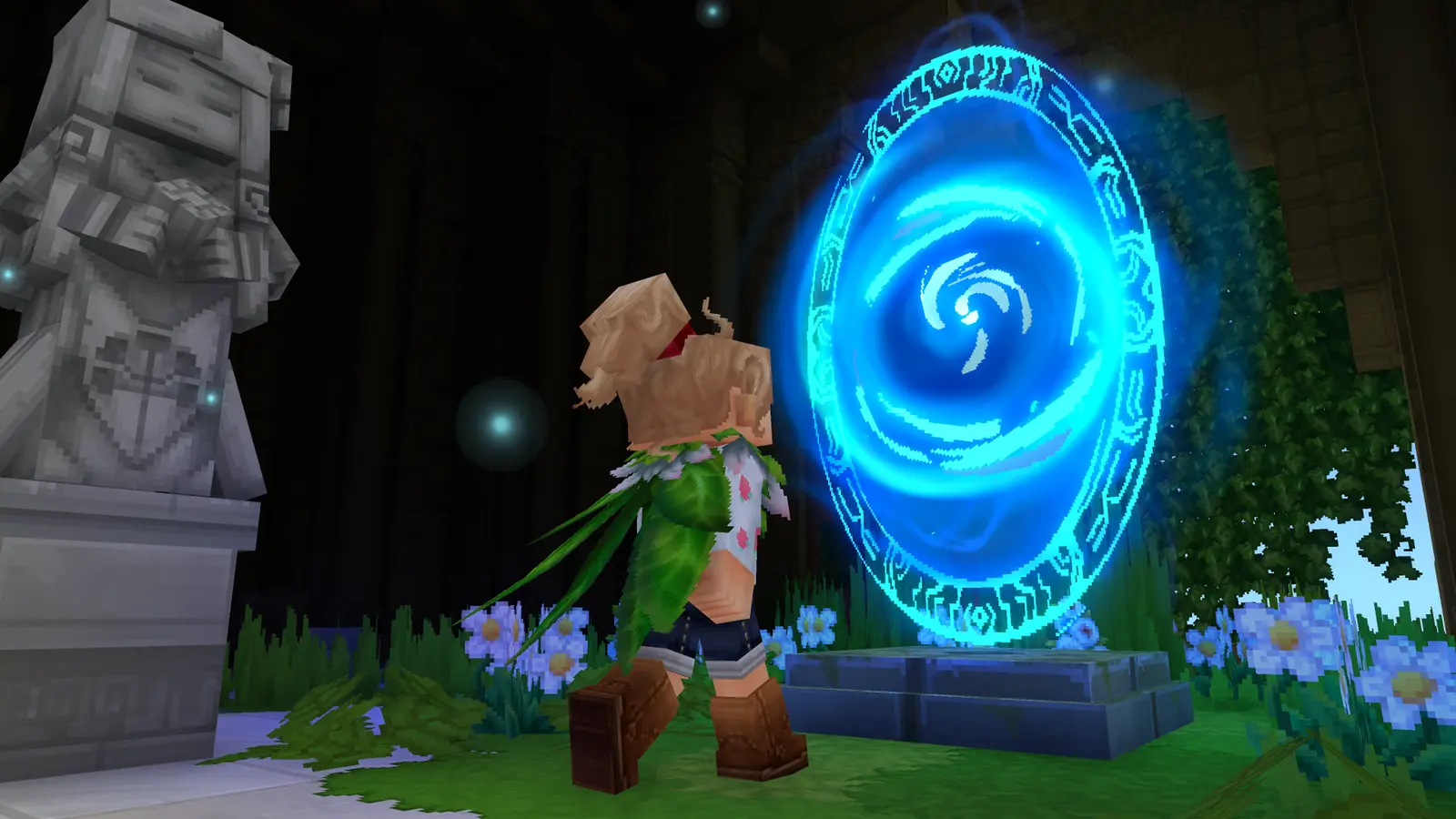
Next
Portals & Fragment Keys
Ancient Gateway and Fragment Key recipes, and what each fragment holds.
Card pictures: Screenshot: Hytale © Hypixel Studios (enhanced)
Related guides
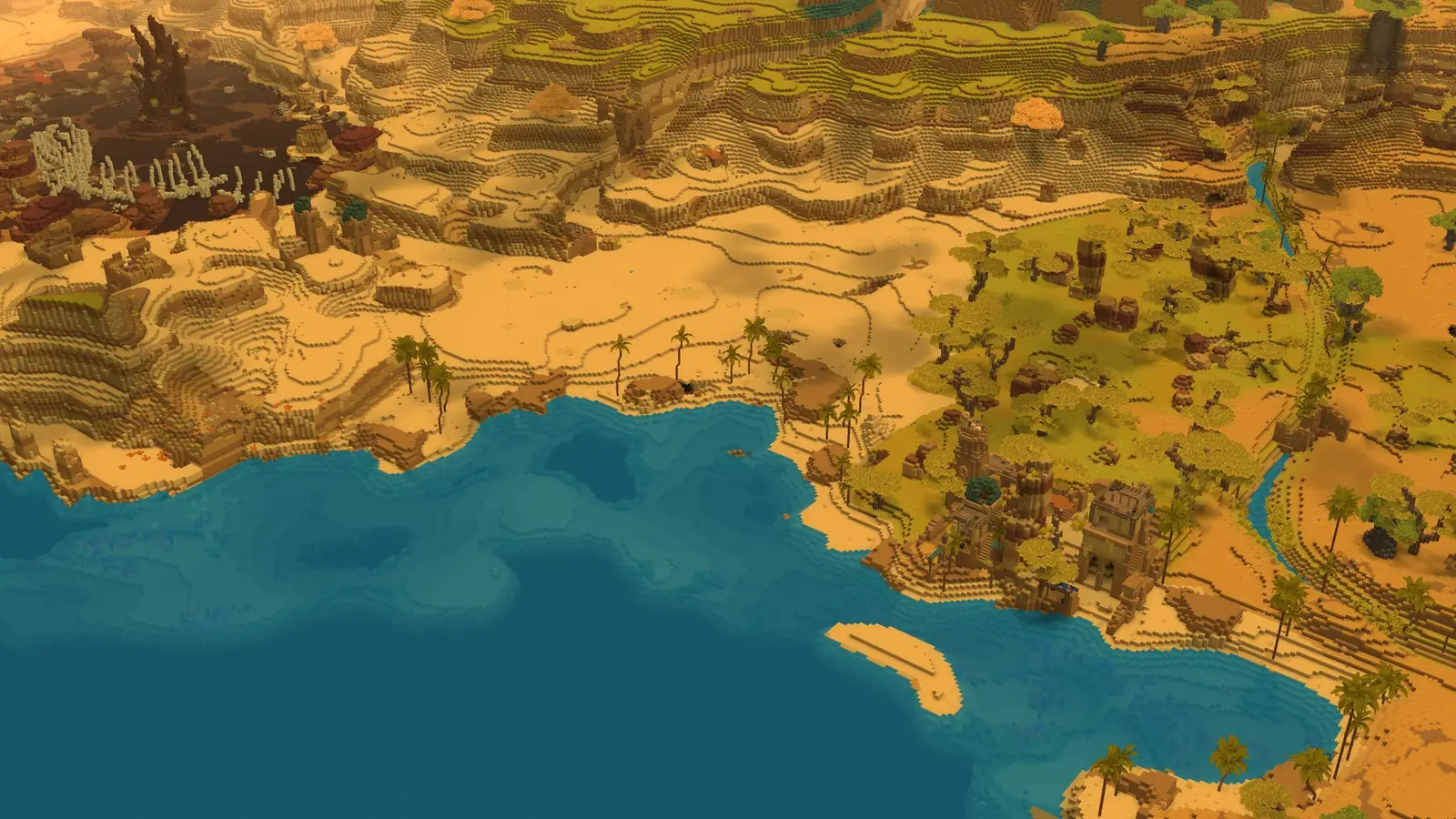
Map: Zones, Regions & Biomes
How the world is laid out around spawn and what each zone contains.
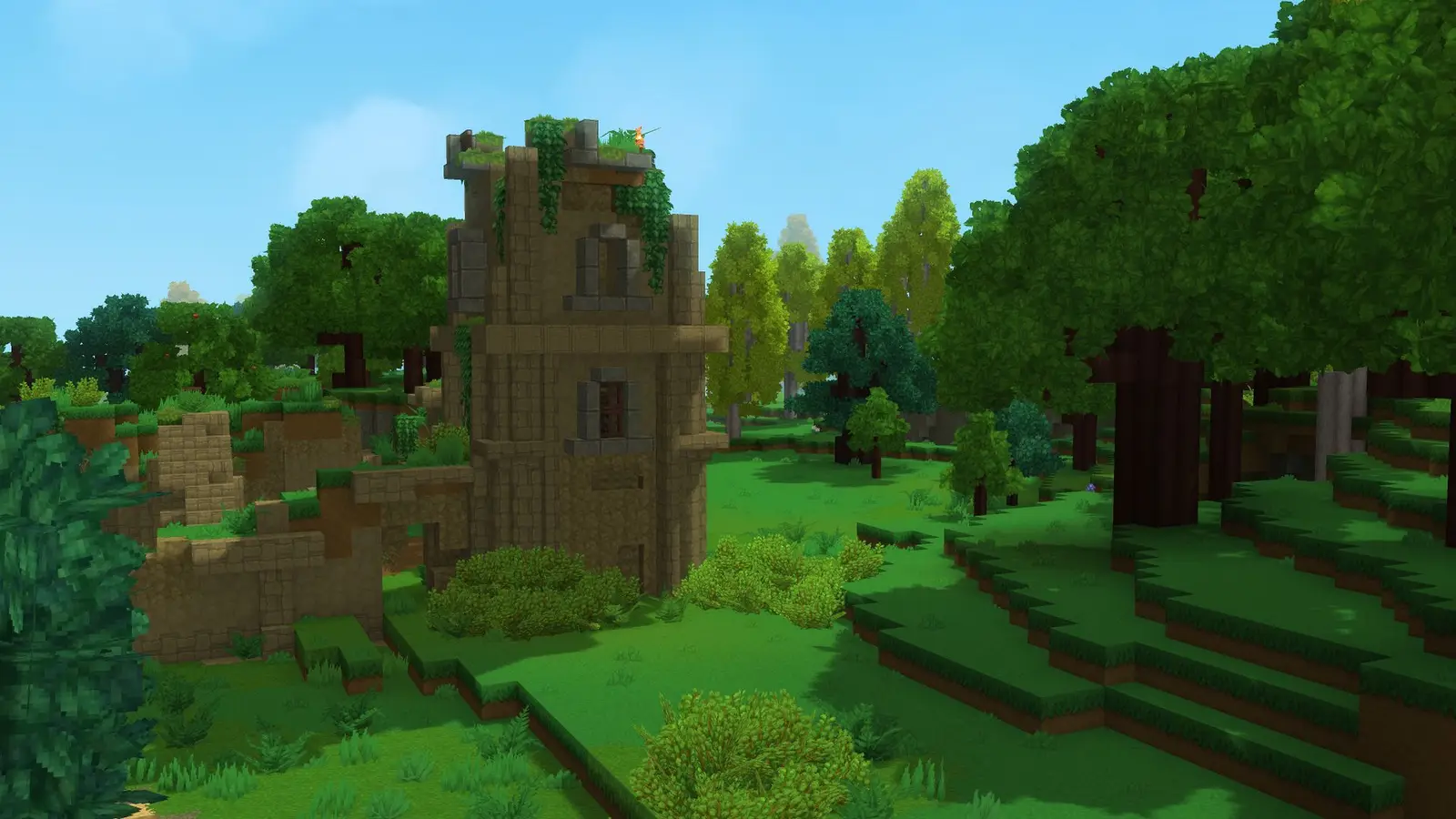
Beginner Guide: Your First Day
Your first day in Exploration Mode, from crude tools to the Forgotten Temple.
Backpack: Unlock & Upgrades
How to unlock the backpack, what each upgrade costs, and the 18-slot limit for now.
Card pictures: Screenshot: Hytale © Hypixel Studios (enhanced)