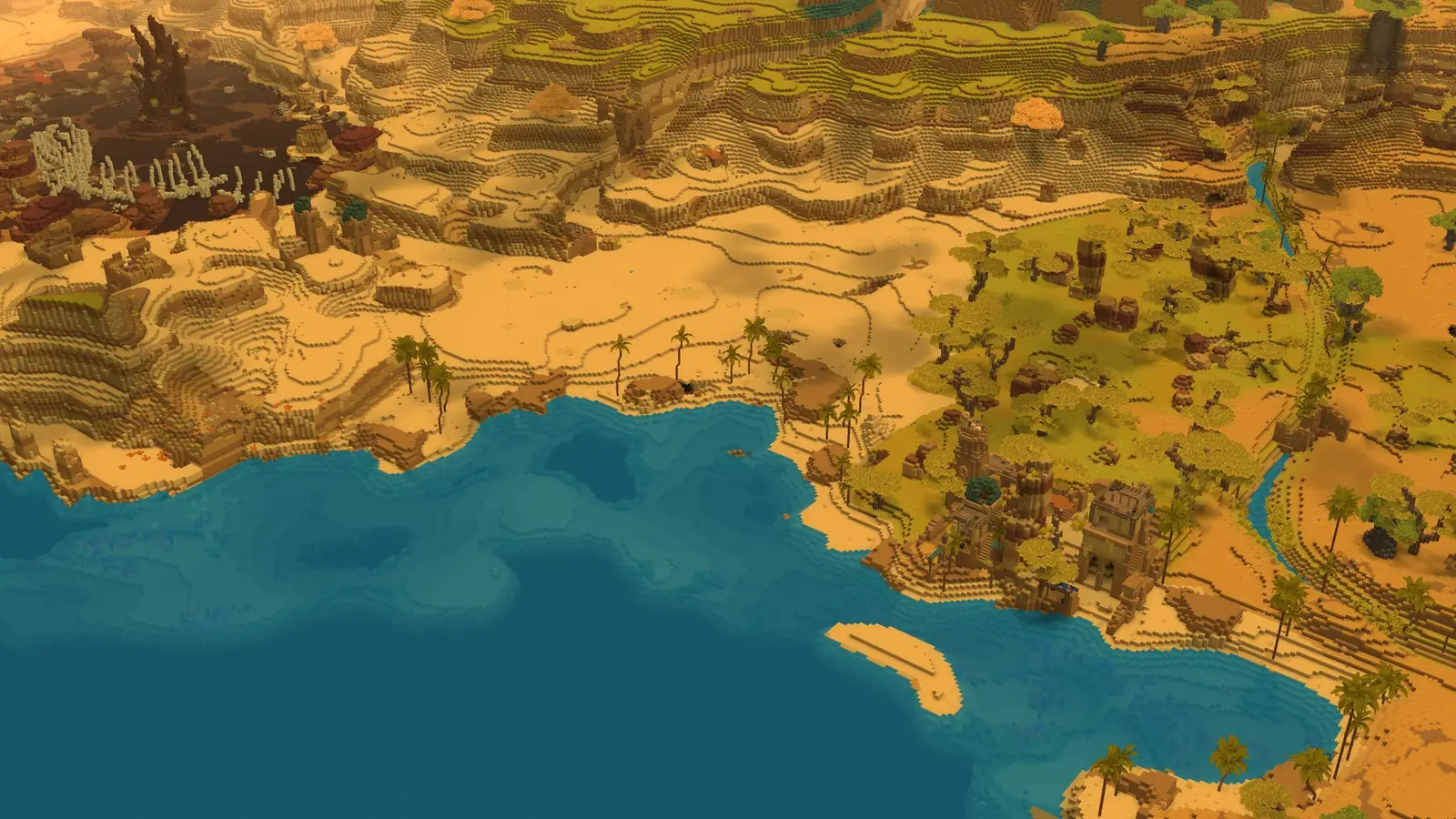
Hytale worlds are generated, so there is no single fixed map: the Hytale Wiki describes the world as relatively random, with a few guaranteed areas around spawn. This page explains that layout and what each zone contains.
The explorer below lists every zone's regions, ores, creatures, factions and places, using the same sources as this page. It does not show coordinates or a drawn map, because every Hytale world is different. You can mark a zone as explored; the mark is saved only in your browser.
How the World Is Laid Out
- Spawn sits in the middle of about 2 × 2 km of Emerald Wilds (Zone 1).
- The Howling Sands (Zone 2) is directly south of that area and starts about 1 km from spawn.
- The Whisperfrost Frontiers (Zone 3) is directly north and also starts about 1 km from spawn.
- The Devastated Lands (Zone 4) is a set of islands, each about 2 × 2 km or 1 × 5 km, a few kilometers away. The Hytale Wiki's zone overview places them about 1–2 km east, while its Zone 4 page says they can be in any direction. Zone 4 is almost always surrounded by deep ocean or sea, and steep cliffs line most of its coast.
- Farther out, the zones are randomized.
Update 5's patch notes use the names Emerald Wilds, Howling Sands and Whisperfrost Frontiers (Official). In 2019 the developers described a sudden drop-off at the edge of each zone that leads to the deep ocean, which they called effectively a zone by itself; the Hytale Wiki calls the ocean Zone 0. Sources: Hytale Wiki: Zone, Hytale Wiki: Devastated Lands, Update 5 patch notes, Worldgen introduction (2019).
Find a Zone, Region or Biome With /locate
With commands turned on, /locate finds the coordinates of, or teleports you to, biomes, zones, regions and prefabs (Update 5), and /locate dungeon <name> finds the nearest dungeon by name (Update 6). See the Hytale Commands List for how to turn commands on. Sources: Update 5 patch notes, Update 6 patch notes.
Zone 1: Emerald Wilds
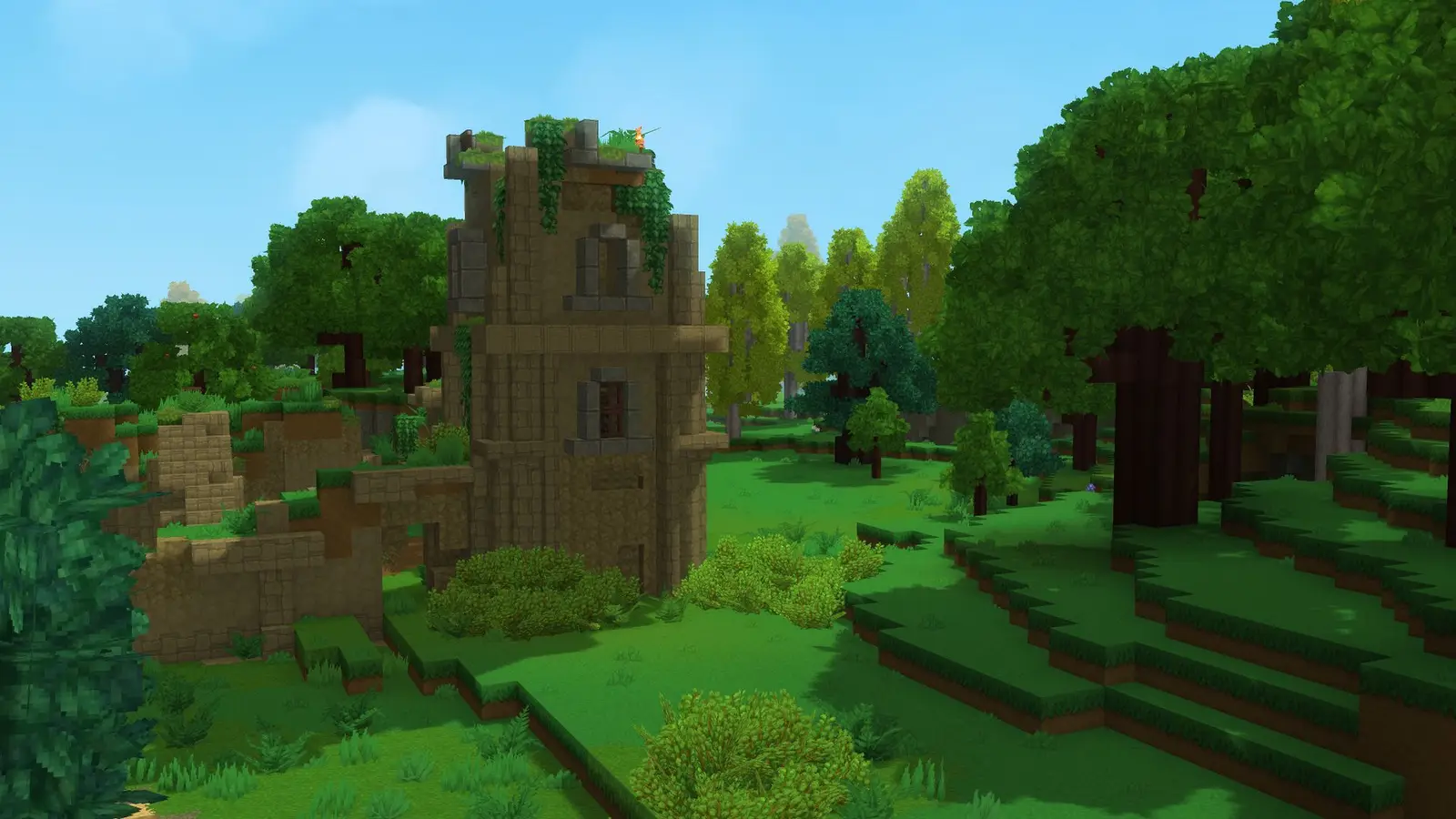
The starting zone and the Earth zone: plains, forests, lakes, swamps and snowy mountains.
- Regions: Drifting Plains (birch forests and plains, flower forests, smooth plains), Seedling Woods (aspen and gully forests, gorge and tallgrass plains, chalk lakes) and The Fens (autumn, azure, moss and swamp forests), plus shores, rivers and shallow ocean.
- Factions: Kweebecs (neutral, with some exceptions) and Klops (neutral and defensive); Trorks (hostile, around their camps) and Goblins (hostile, in dungeons and caves underground).
- Other enemies: skeleton variants, spiders, and void creatures that can spawn anywhere on the surface at night.
- Elite enemies: Earthen Golem, Trork Chieftain, Goblin Duke and Burnt Skeleton Praetorian. See the Hytale Bosses List.
- Ores: copper (most common here) and iron, with some gold and silver. See Ore & Material Locations.
- Places: the Ruined Temple with the Forgotten Temple gateway, Kweebec Villages, Trork Camps, Mage Towers, Challenge Gates, ruins and campsites, and the Cursed Crypt, Goblin Lair and Magic Ruins dungeons.
Sources: Hytale Wiki: Emerald Wilds, Hytale Wiki: Biome, Hytale Wiki: Dungeon.
Zone 2: Howling Sands
The Wind zone: sand dunes, rocky canyons, savannas and oases.
- Regions: Golden Steppes (savannas, bushland scrub, mudflats and rivers), Badlands (oasis, red, rock and hot-springs deserts, tar pits) and Desolate Basin (barren and mushroom deserts, tar pits), plus beaches and shallow ocean.
- Factions: Ferans (humanoid foxes, neutral and defensive) and Scaraks (hostile). Skeletons are more common here than in Zone 1.
- Creatures: antelopes, cactees, crocodiles, horses, meerkats, saber-toothed tigers, snakes and vultures.
- Elite enemies: Sandswept Golem and Scarak Broodmother.
- Ores: thorium, which is abundant here but only near patches of Cracked Mud.
- Places: the Forgotten Temple gateway, Scarak Hives, Feran Villages and the Labyrinth dungeon.
Sources: Hytale Wiki: Howling Sands, Hytale Wiki: Feran, Hytale Wiki: Biome.
Zone 3: Whisperfrost Frontiers
The Water zone: snowy taiga, tundra, glaciers and tall mountains.
- Regions: Frostmarch Tundra (fir, redwood and tundra forests, hot-springs plains), Boreal Reach (cedar forests, frozen plains, glacier valleys) and The Everfrost (frozen forests, frost plains, glacier lakes), plus the Frozen Coasts along the shore.
- Factions: Outlanders (hostile). The Bramblekin appear only in concept art so far.
- Creatures: bison, polar bears, rams, tetrabirds and woodpeckers.
- Elite enemies: Frost Golem and Yeti.
- Ores: cobalt and silver in the mountains, plus gold beneath the floating ice of the Frozen Coasts.
- Places: the Forgotten Temple gateway, Outlander Villages, Yeti caves, and the Outlander Temple and Shale Dungeon.
Sources: Hytale Wiki: Whisperfrost Frontiers, Hytale Wiki: Bramblekin, Hytale Wiki: Biome.
Zone 4: Devastated Lands
The Fire zone and the last zone so far: volcanic islands with ash-filled skies and magma-covered mountains.
- Regions: Basalt Peninsula, Cinder Wastes (dunes deserts, ghost and swamp forests, geyser wastes) and Charred Woodlands (ash deserts, burnt forests, lava wastes) on the surface, and the Tropical Jungle in large caves beneath the volcanic areas.
- Creatures: most animals here are hostile, including undead versions of farm animals. The Cave Rex, Cave Raptor and Triceratops live in the deep caves; Emberwulves, Magma Snails, Rhino Toads, zombies and burnt skeletons roam the surface.
- Elite enemies: Ember Golem, Cave Rex and Firesteel Golem.
- Ores: adamantite, which needs a Thorium or Cobalt pickaxe (Update 2), plus cobalt and some silver in the Cinder Wastes.
- Places: the Firelands Temple, Zone 4's portal dungeon with the Ember Golem, plus Devastated, Abandoned and Ash Villages, Burnt Mage Towers and Launch Pad Towers.
Sources: Hytale Wiki: Devastated Lands, Hytale Wiki: Firelands Temple, Update 2 patch notes.
Ocean and Fragments
- Crystalline Depths: the ocean region of Orbis. Ocean biomes include barren, kelp, reef, sandy and tube oceans, trenches and islands.
- Fragments are temporary worlds opened with an Ancient Gateway; each trip uses one Fragment Key. The Dragonspire Weald is one of them; the Frost Dragon sleeps there and cannot be fought yet.
Sources: Hytale Wiki: Crystalline Depths, Hytale Wiki: Ancient Gateway, Hytale Wiki: Dragonspire Weald.
Zones in Order
The Hytale Wiki says the zones are meant to be played in order, from Zone 1 to Zone 4, but nothing stops you from visiting them in any order. A common route follows the ores: copper and iron in Zone 1, thorium in Zone 2, cobalt in Zone 3 and adamantite in Zone 4, which needs a Thorium or Cobalt pickaxe. Sources: Hytale Wiki: Zone, Prowl8413 video, September 7, 2026, Update 2 patch notes.
FAQ
Is there a full Hytale world map?
No single map fits every world, because each world is generated differently. The area around spawn follows the same pattern: Zone 1 in the middle, Zone 2 to the south and Zone 3 to the north, with Zone 4 islands a few kilometers away.
Where is Zone 2 in Hytale?
Directly south of the starting Emerald Wilds. It starts about 1 km from spawn, according to the Hytale Wiki.
How many zones are in Hytale?
Four so far: Emerald Wilds, Howling Sands, Whisperfrost Frontiers and Devastated Lands. The Hytale Wiki also calls the deep ocean Zone 0.
What are the regions of each zone?
Zone 1: Drifting Plains, Seedling Woods and The Fens. Zone 2: Golden Steppes, Badlands and Desolate Basin. Zone 3: Frostmarch Tundra, Boreal Reach, The Everfrost and the Frozen Coasts. Zone 4: Basalt Peninsula, Cinder Wastes, Charred Woodlands and the underground Tropical Jungle.
How do you find a specific biome?
Turn on commands and use /locate, which finds the coordinates of, or teleports you to, biomes, zones, regions and prefabs (Update 5).
Where is Zone 4?
It is a set of islands a few kilometers from spawn. The Hytale Wiki's zone overview places them about 1–2 km east, while its Zone 4 page says they can be in any direction.
Sources
- Hytale Wiki — Zone, Region, Biome, zone, faction, village and dungeon pages, edited June–October 2026. Several of these pages are marked as possibly outdated by the wiki itself.
- Update 2 patch notes — January 24, 2026; Adamantite pickaxe requirement.
- Update 5 patch notes — May 26, 2026; zone names and /locate.
- Update 6 patch notes — August 27, 2026; /locate dungeon.
- Worldgen introduction — January 2019; the deep ocean as its own zone.
- Prowl8413 video, September 7, 2026 — ore route by zone.
Continue reading
Next
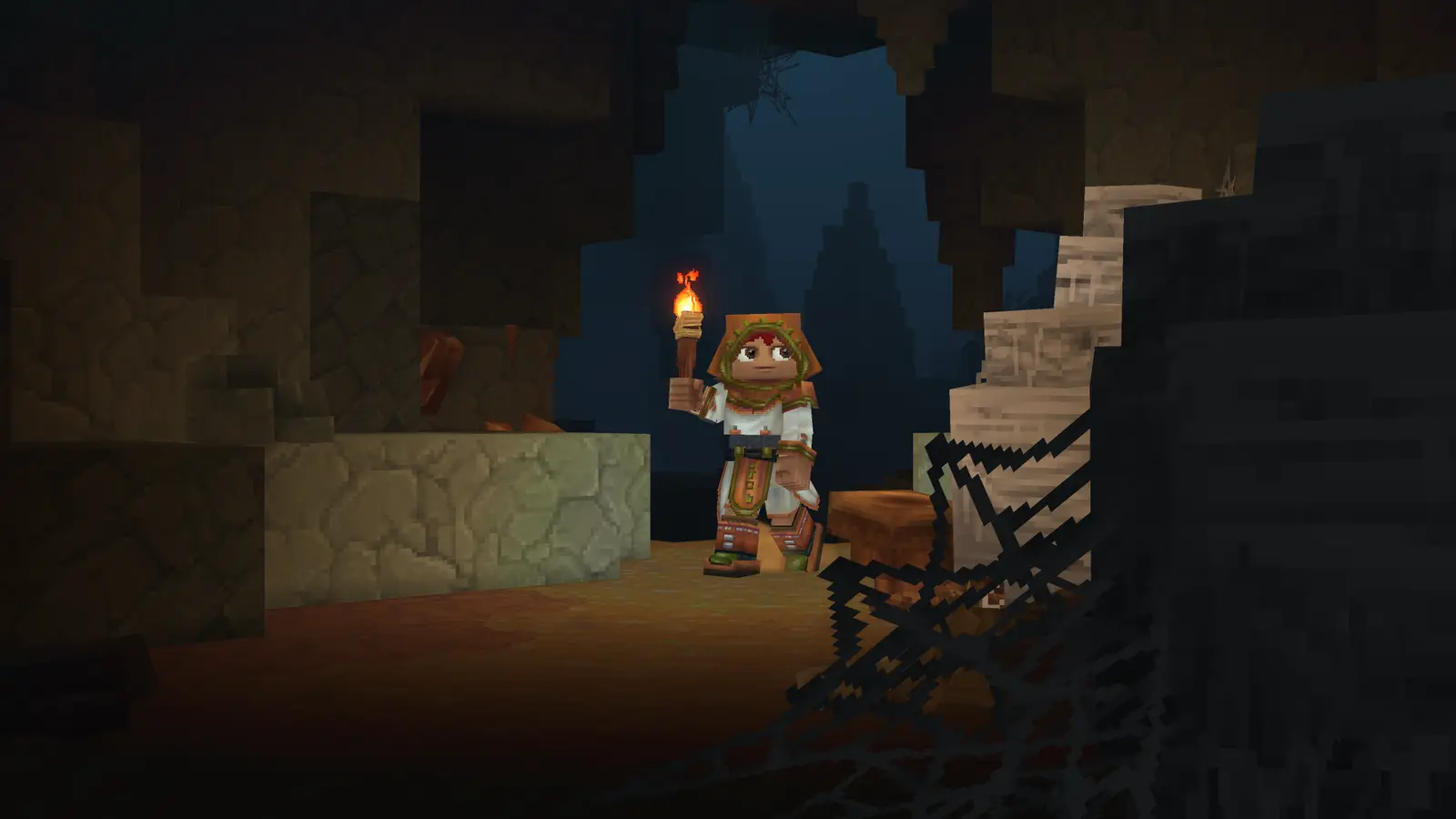
Ore & Material Locations
Where to find every ore and key material, with a source label on each.
Card pictures: Screenshot: Hytale © Hypixel Studios (enhanced)
Related guides
Bosses List
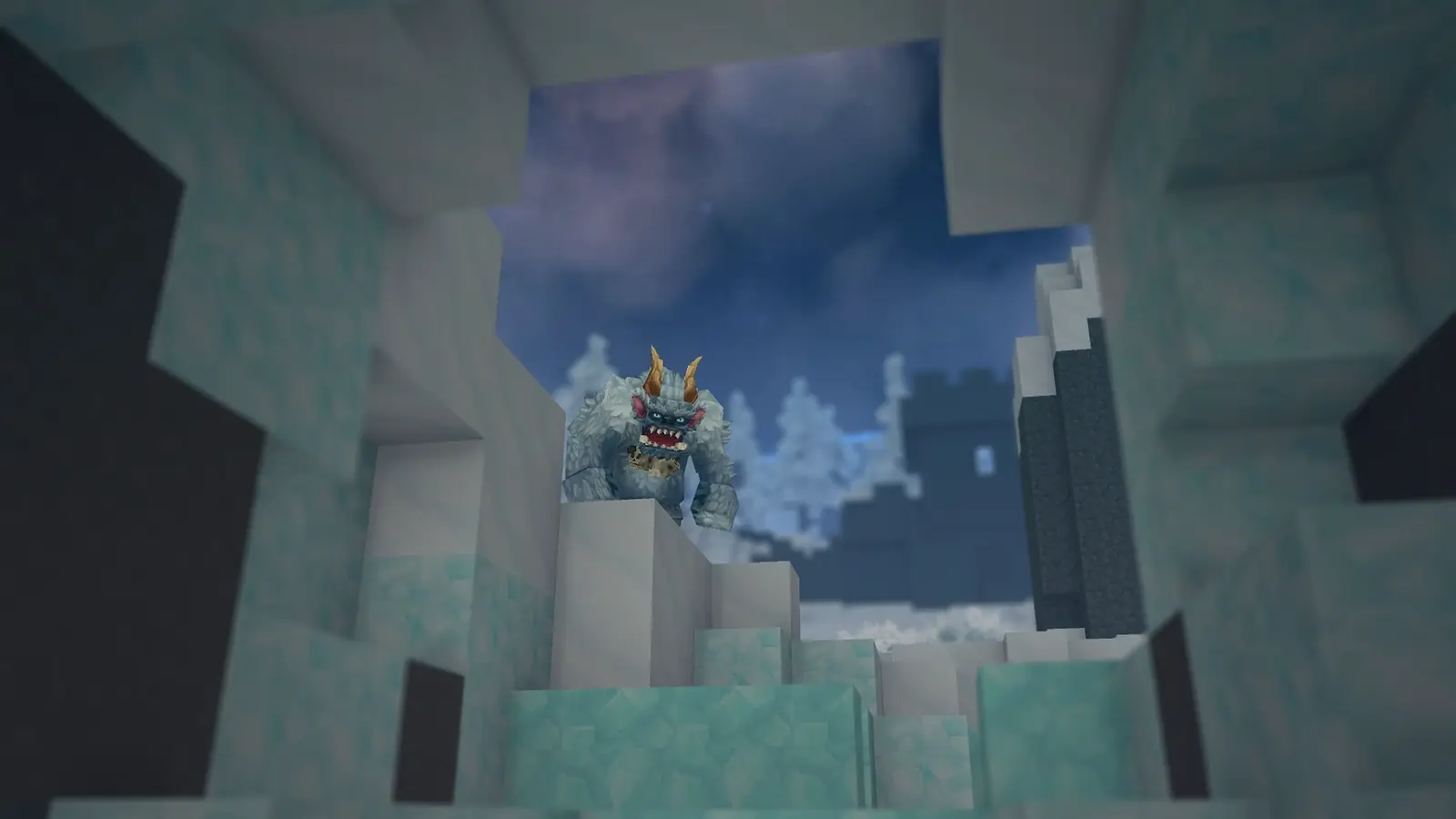
Every elite enemy and the Chapter 1 bosses: where to find them, health and drops.
Portals & Fragment Keys
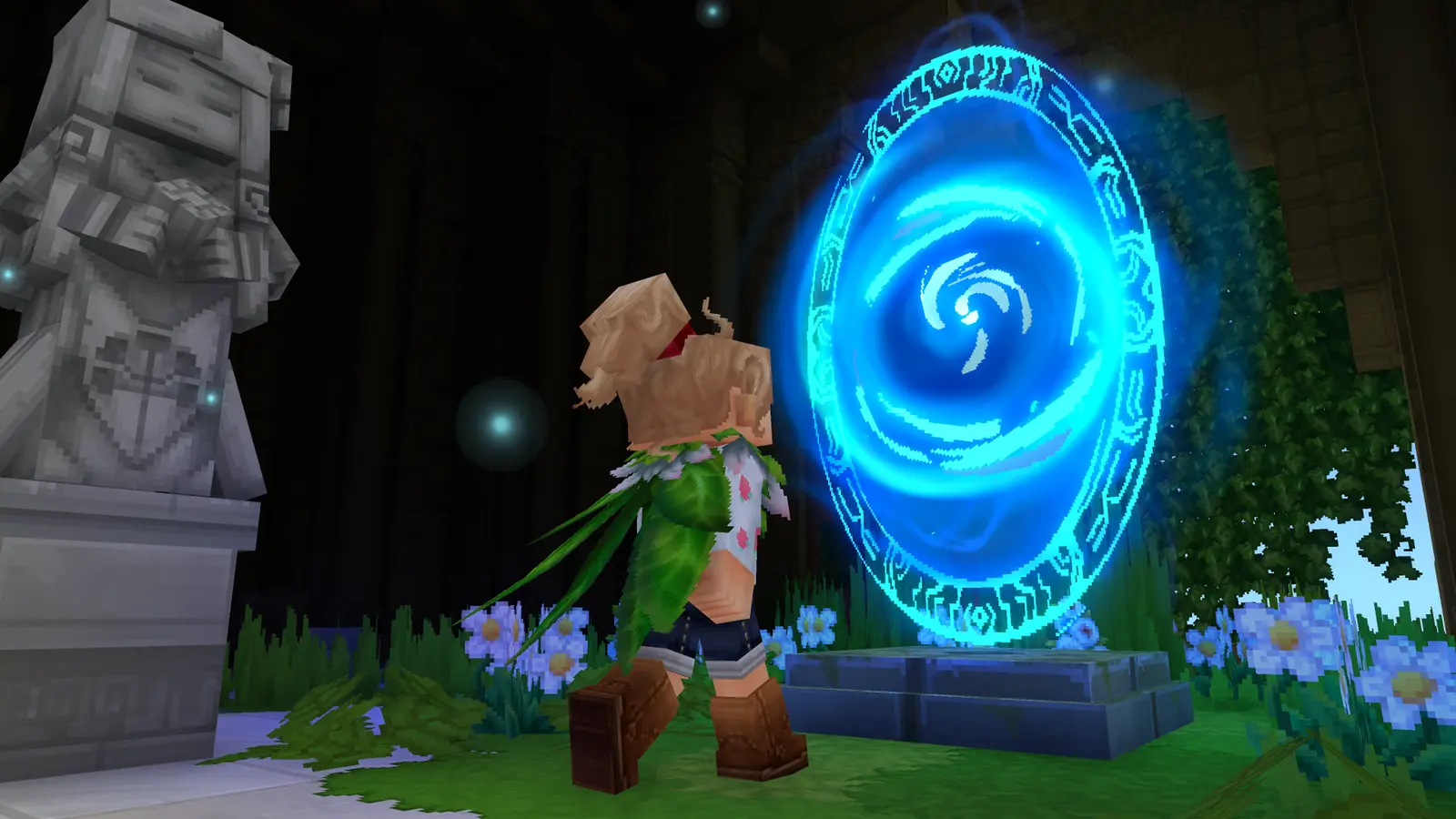
Ancient Gateway and Fragment Key recipes, and what each fragment holds.
Beginner Guide: Your First Day
Your first day in Exploration Mode, from crude tools to the Forgotten Temple.
Card pictures: Screenshot: Hytale © Hypixel Studios (enhanced)