Game Info
Hytale Commands List & How to Enable Commands
Last updated: 2026-10-12
How to Turn On Commands
Commands are typed in chat. To use most of them in your own world, first give yourself operator (OP) rights with /op self. The official API documentation describes it as adding the player who runs it to the operator group, or removing them, when allowed. Video guides show the chat replies "You're now OP!" and "No longer OP." Sources: Hytale API documentation: OpSelfCommand, The Breakdown video, January 15, 2026 and Ara video, January 16, 2026.
Since Update 5 (May 26, 2026), permissions are no longer tied to game mode: a world owner can give friends a role with the permissions they need instead of making them operators. Chat commands also gained Tab autocomplete with a suggestion list; press Tab to cycle through suggestions and Shift+Tab to browse variants. Source: Update 5 patch notes.
Commands still change between Early Access builds, so type /help to see the commands your version supports. On a server console, /help prints a formatted command list with usage for each command (Update 6). Sources: Update 6 patch notes, berrybyte, October 5, 2026 and LOW.MS, August 19, 2026.
Player Commands
- /gamemode — changes a player's game mode, according to the official API documentation. One video guide uses /gamemode c for Creative and /gamemode a for Adventure; that short form is not in the official documentation. Sources: Hytale API documentation: GameModeCommand and Ara video.
- /give — gives items. Update 1 added an option to set item durability. Since Update 6, using /give armor on another player with --player needs the hytale.command.give.armor.other permission, which no built-in role has by default. Sources: Update 1 patch notes and Update 6 patch notes.
- /tp — teleports players. Update 1 fixed the argument order to /tp <player> <targetPlayer>. Source: Update 1 patch notes.
- /locate — finds the coordinates of, or teleports you to, biomes, zones, regions and prefabs (Update 5). /locate dungeon <name> finds the nearest dungeon with that name (Update 6). Sources: Update 5 patch notes and Update 6 patch notes.
- /kit iron, /kit adamantite and /kit debug — replace your equipment and inventory with a preset loadout; the iron and adamantite kits include weapons, blocks and food. Source: Update 5 patch notes.
- /weather set — forces the weather in a world. Source: Hytale API documentation: WeatherSetCommand.
- /time pause and /time dilation — time controls named in the Update 7 notes. Source: Update 7 notes.
- /spectate — an opt-in spectator mode for servers, with toggle, watch, target, free and exit options plus an admin set option. It has its own permissions. Source: Update 6 patch notes.
Hardcore and Lives
Update 6 moved Hardcore settings into the server config: Defaults.HardcoreMode can be None, PerPlayer or Global. The /player lives commands sit in the WorldEditor permission group, /player respawn sits in the Builder group, and reviving other players needs the player.respawn.other permission. Source: Update 6 patch notes.
Server Admin Commands
- /op add and /op remove — add or remove a player from the operator group by UUID or username. Sources: OpAddCommand and OpRemoveCommand in the API documentation.
- /whitelist — since Update 6, the whitelist runs on the hytale.server.join permission, and the whitelist commands grant and revoke it. An existing whitelist.json is migrated to whitelist.json.migrated. Source: Update 6 patch notes.
- /maxviewradius (server console) — shows the current view radius cap; /maxviewradius <n> sets it between 1 and 512 chunks, and /maxviewradius reset restores the default of 32. Source: Update 6 patch notes.
- /worldevent start, /worldevent cancel and /worldevent list — manage active world events by asset type or event ID. Since Update 7, World Events also have a switch in the settings of a custom world, and Creative worlds start with them off. Sources: Update 6 patch notes and Update 7 notes.
Is There a Keep Inventory Command?
No. Keeping your items on death is a world setting called Inventory Penalty On Death, or the ItemsLossMode setting in a server's world config file. The death penalty and keep inventory guide explains both.
Changes in Update 7
- Type /portal where you used to type /fragment.
- /portal leave takes over from /leave.
Both came with Update 7 on October 12, 2026. Source: Chapter I: Out of the Breach.
Not Covered Yet
- Default permissions for most commands: the API documentation describes what commands do, not who may use them.
- Dedicated server maintenance commands, which are covered in the official Server Manual on the Hytale support site.
Sources
- Hytale API documentation — published by Hypixel Studios; OpSelf, OpAdd, OpRemove, GameMode and WeatherSet command pages.
- Update 1 patch notes — January 2026; /tp argument order and /give durability.
- Update 5 patch notes — May 26, 2026; roles, Tab autocomplete, /locate and /kit.
- Update 6 patch notes — August 27, 2026; /help, /give armor, /spectate, /worldevent, /player, /whitelist and /maxviewradius.
- Chapter I: Out of the Breach, the Update 7 notes — October 12, 2026; /portal, /time and /worldevent.
- berrybyte and LOW.MS — server host guides recommending /help.
- The Breakdown, January 15, 2026 and Ara, January 16, 2026 — video guides showing /op self and /gamemode.
Frequently Asked Questions
How do you enable commands in Hytale?
Type /op self in chat to give yourself operator rights in your own world. Since Update 5, a world owner can also give friends a role with specific permissions instead of making them operators.
How do you switch to Creative mode with a command?
Use /gamemode, which changes a player's game mode according to the official API documentation. A video guide uses /gamemode c for Creative and /gamemode a for Adventure.
Is there a keep inventory command in Hytale?
No. Keep inventory is a world setting called Inventory Penalty On Death; on servers it is the ItemsLossMode setting in the world's config file.
How do you teleport in Hytale?
Use /tp. Since Update 1 the order for teleporting one player to another is /tp <player> <targetPlayer>.
How can I see every command?
Type /help. Commands change between Early Access builds, and chat commands have Tab autocomplete since Update 5.
Continue reading
Next
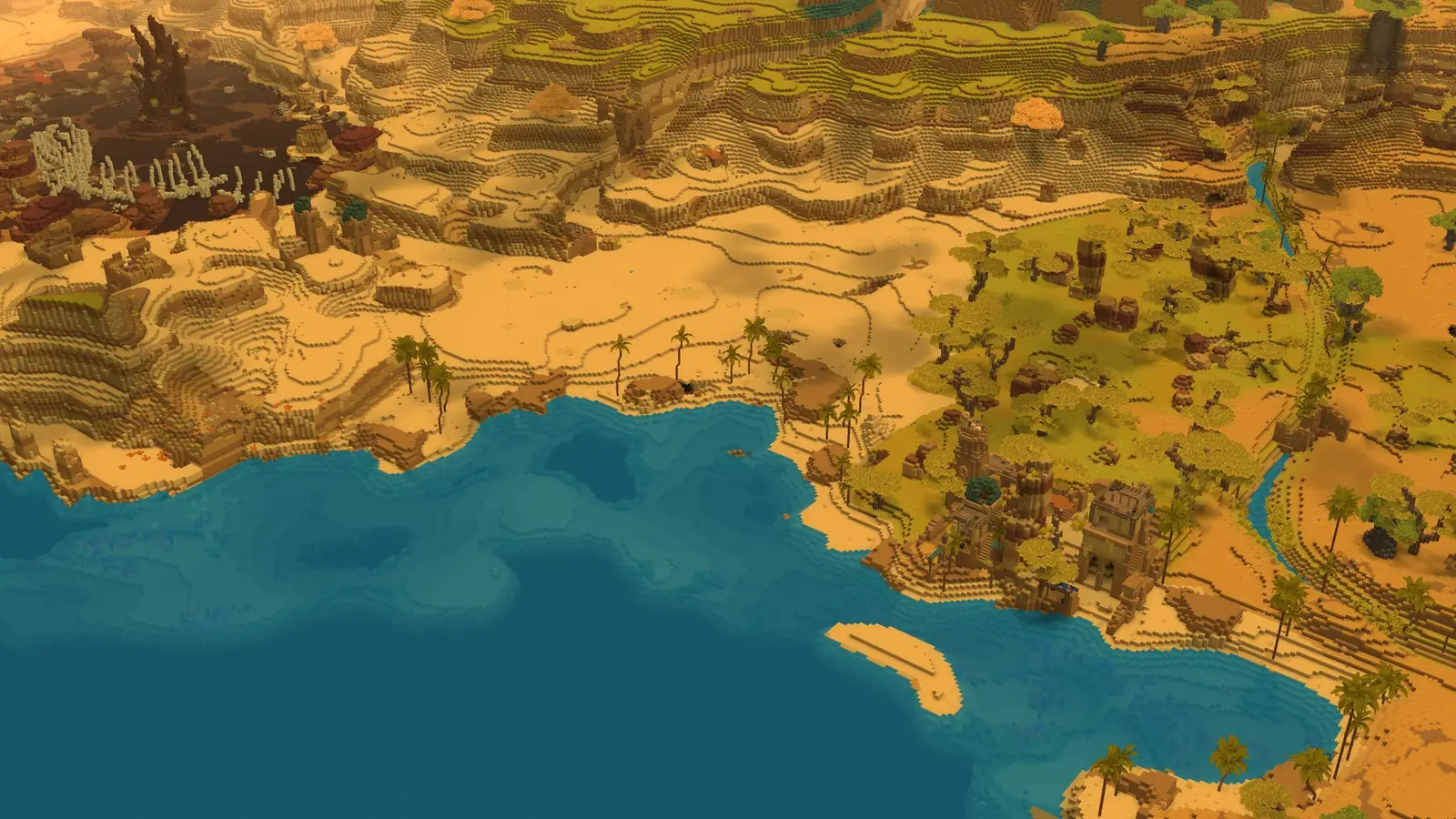
Map: Zones, Regions & Biomes
How the world is laid out around spawn and what each zone contains.
Card pictures: Screenshot: Hytale © Hypixel Studios (enhanced)
Related guides

Multiplayer: Play With Friends
How to play with friends: friends list invites, share codes and servers.
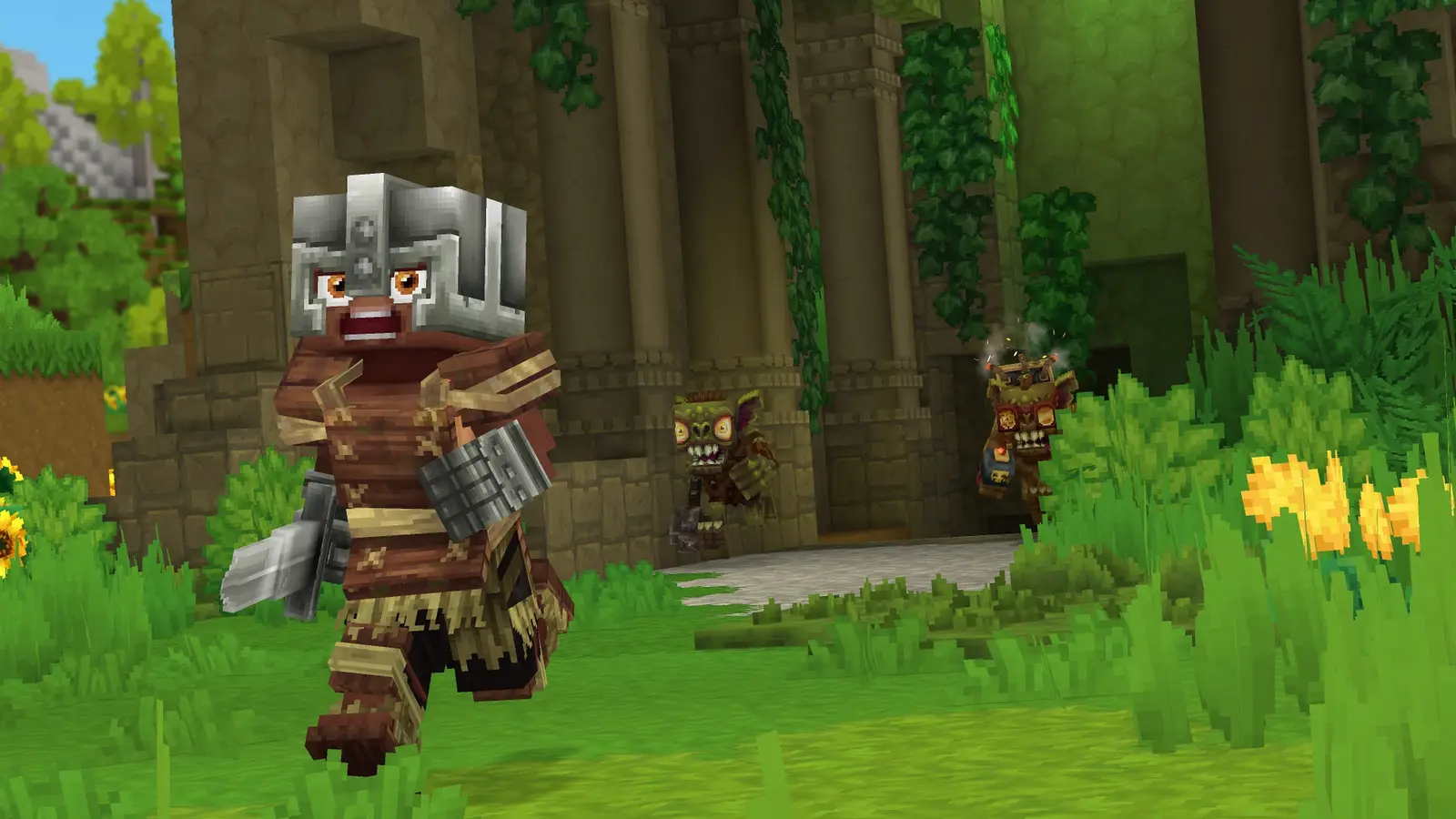
Death Penalty & Keep Inventory
What you lose when you die and how keep inventory works.
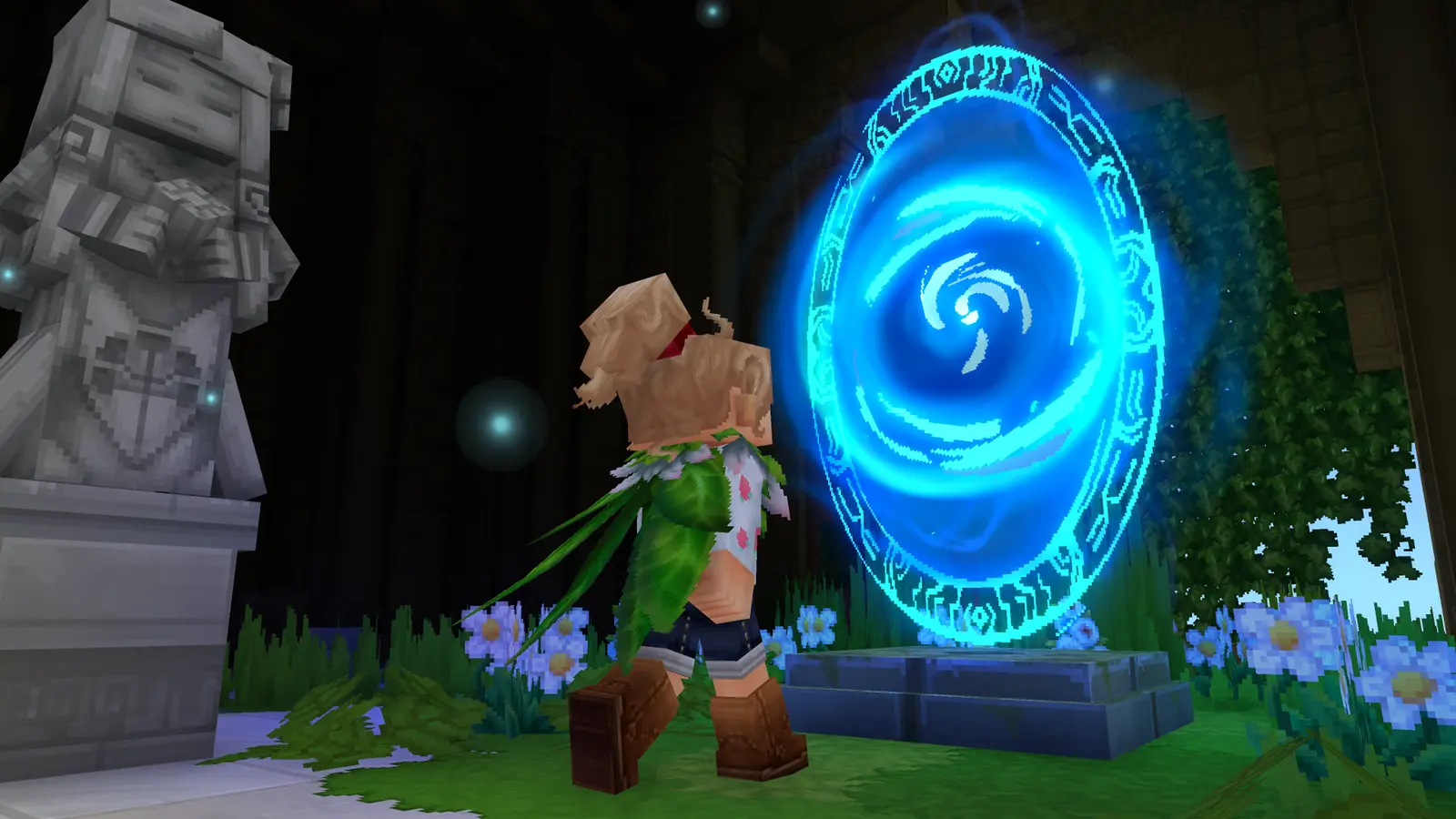
Portals & Fragment Keys
Ancient Gateway and Fragment Key recipes, and what each fragment holds.
Card pictures: Screenshot: Hytale © Hypixel Studios (enhanced)